Free Org Chart Template for Excel
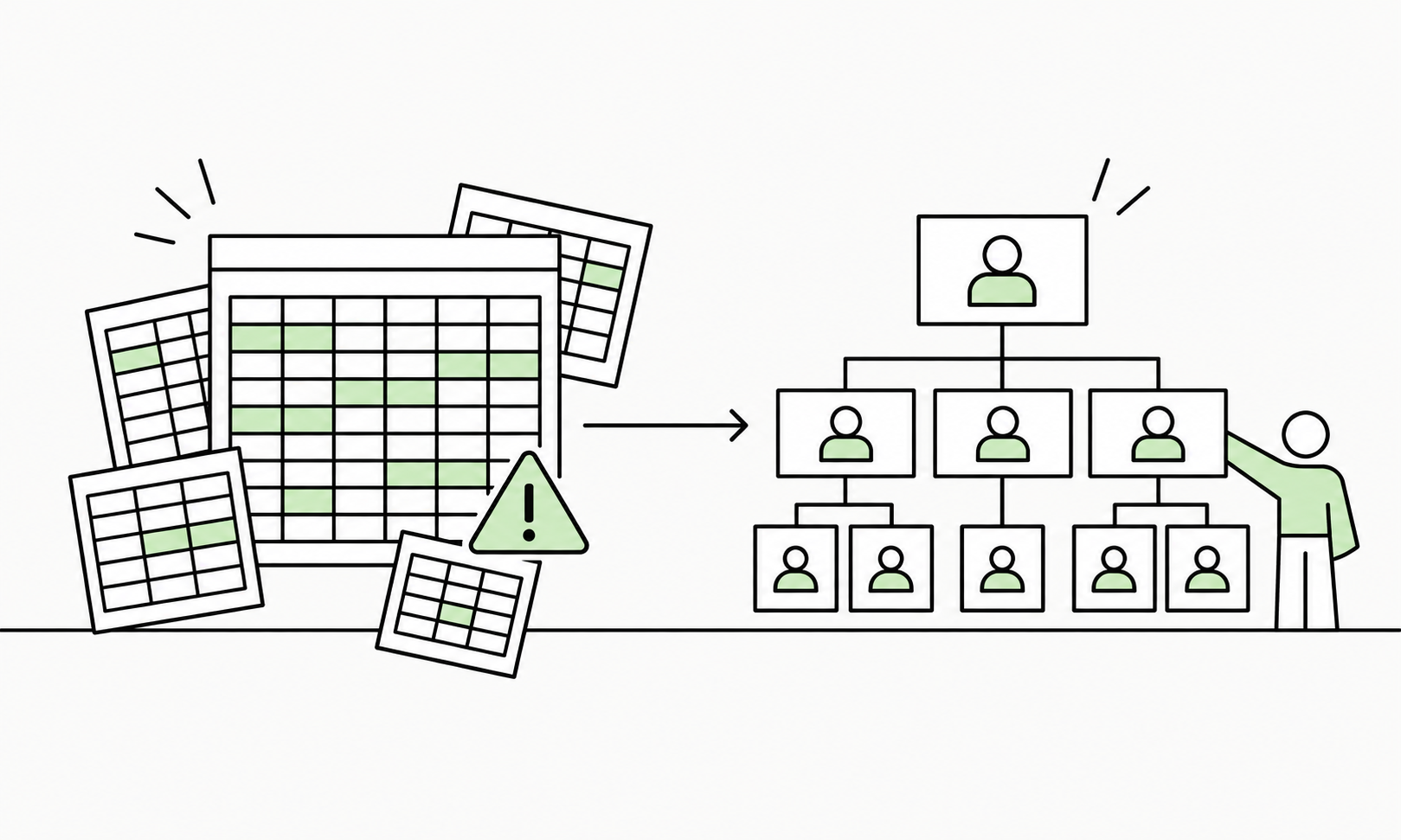
Build and maintain your organisation hierarchy in Excel. Add employees, assign managers, identify reporting-line problems and prepare clean org chart data using our free Org Chart Builder workbook.
No signup required. No macros. Free to use.
More than a basic org chart template
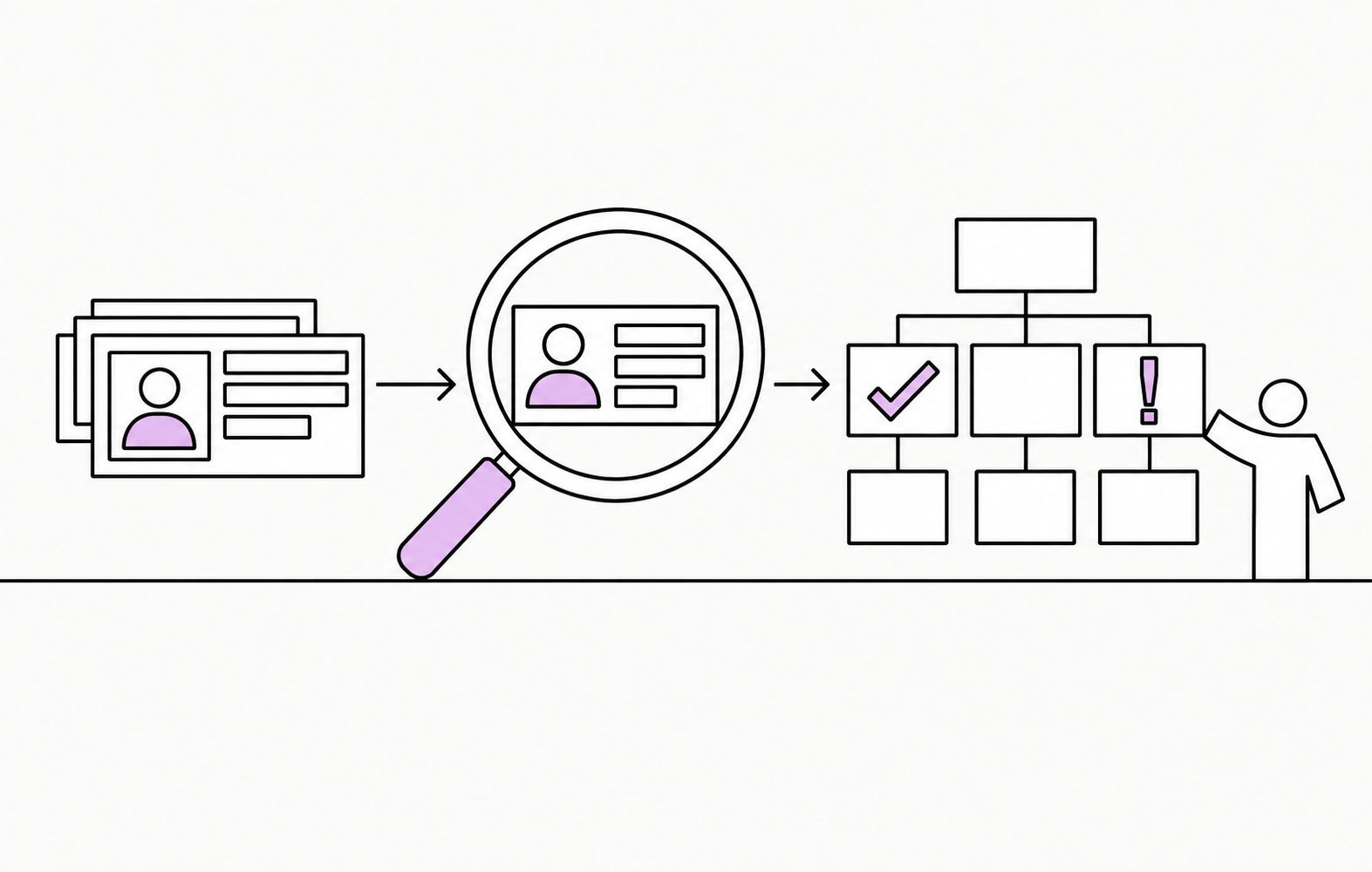
Looking for a free Excel org chart template? This Org Chart Builder goes a little further. It helps you organise employee data, define reporting relationships and find hierarchy problems before you create the chart.
Build your hierarchy
Add employees and define reporting relationships using Employee IDs and Manager IDs.
Find hierarchy problems
Identify missing managers, invalid relationships, duplicate IDs, self-reporting employees and reporting cycles.
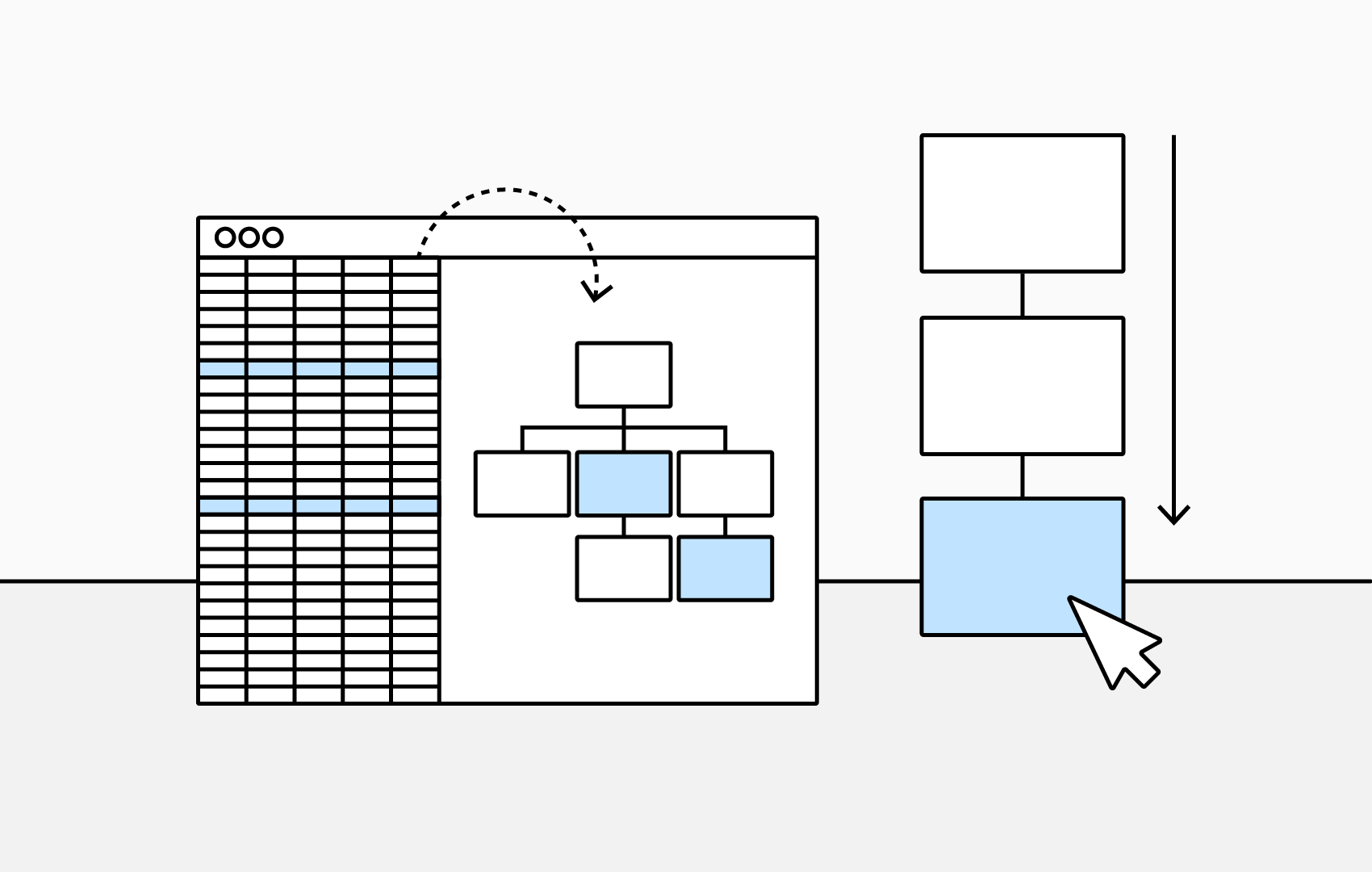
Understand your organisation
Use the dashboard and calculated information to inspect managers, departments, structure and data quality.
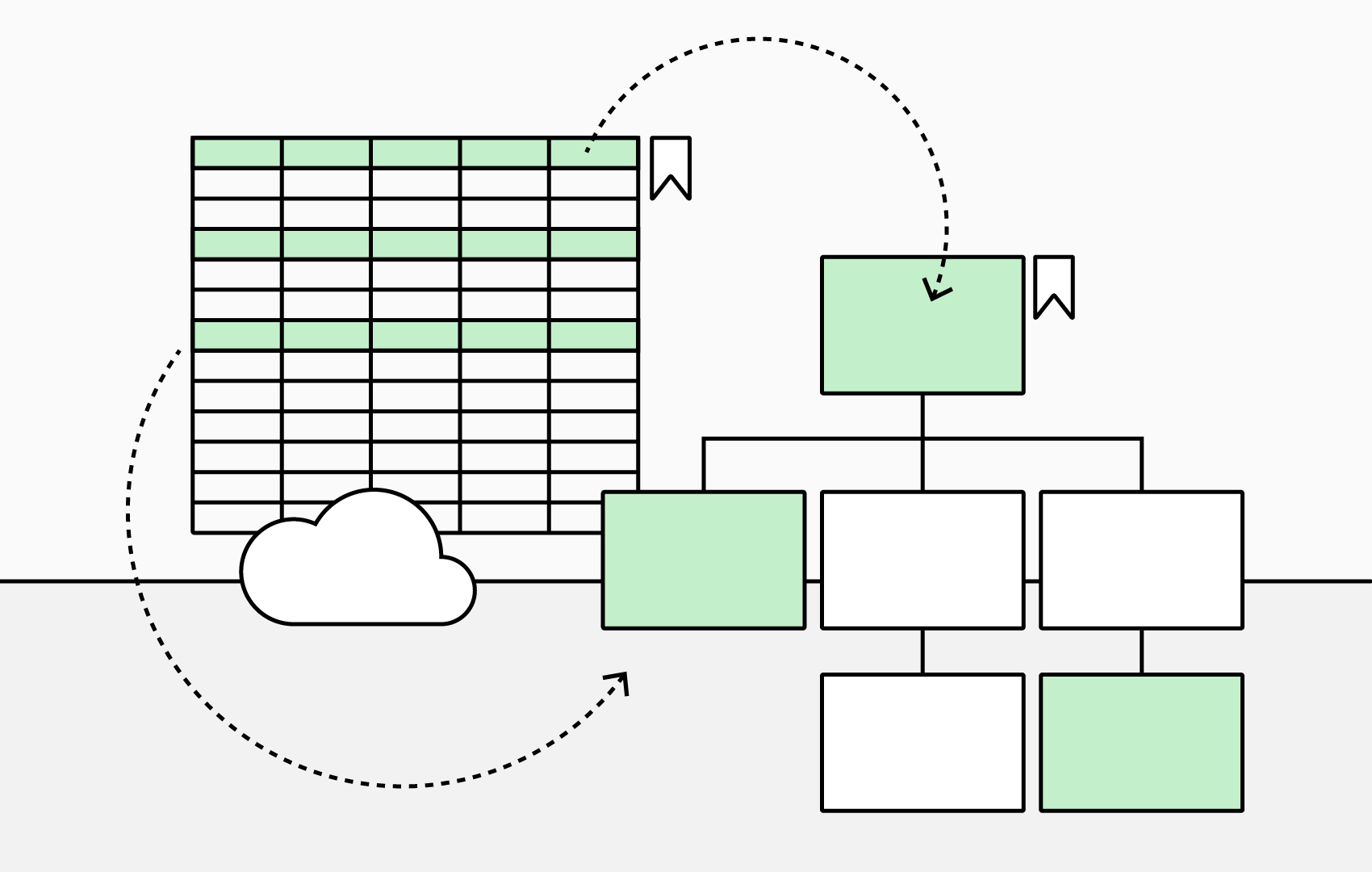
Prepare clean org chart data
Produce structured employee and reporting-line data for Excel, TeamOrgChart or OrgChart4XL.
A look inside the workbook
It is a functioning Excel tool, not an empty table. Add your employees once, validate the reporting structure and keep a clean source of organisation data in Excel.
How to create your organisation hierarchy in Excel
- Download the Org Chart Builder workbook.
- Replace the example employee information with your own data.
- Give each employee a unique Employee ID.
- Enter the Employee ID of their manager.
- Review any hierarchy or data-quality warnings.
- Use the resulting data in Excel or take it into an org chart application.
What's included in the Org Chart Builder
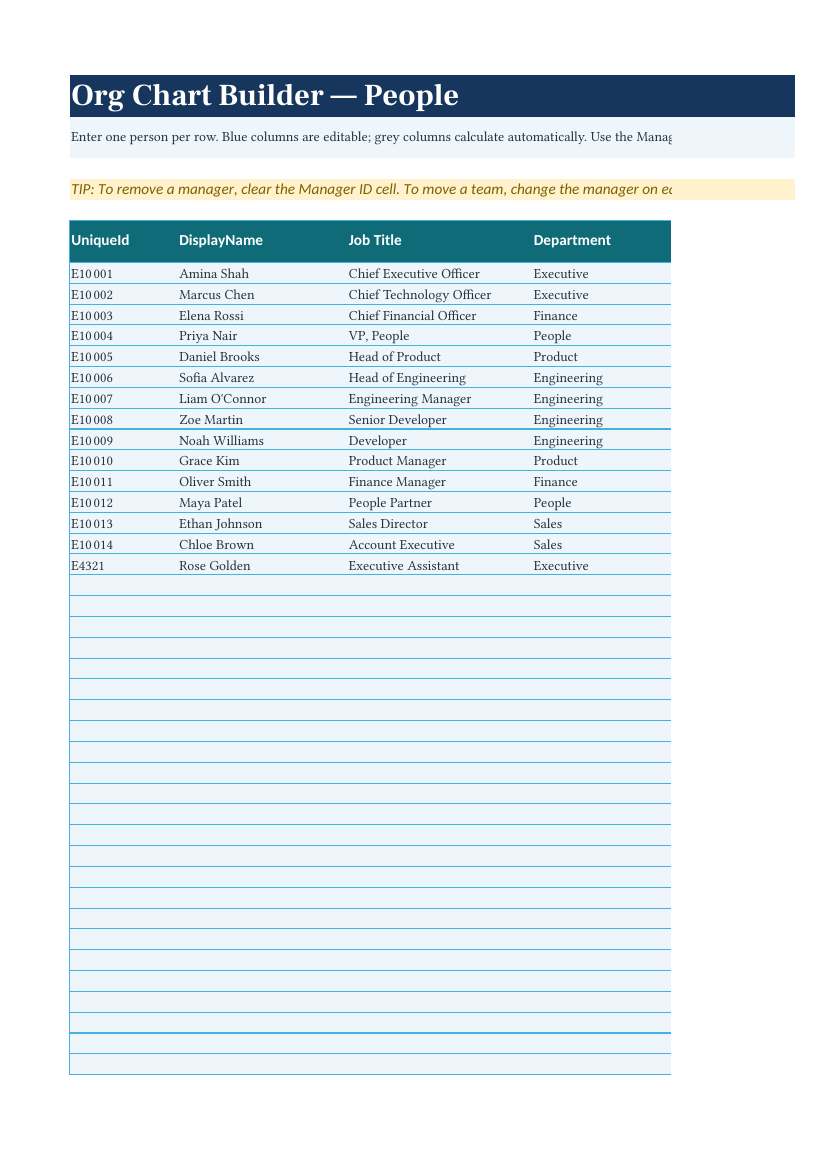
People
The main employee-data table. Store employee information and define who reports to whom.
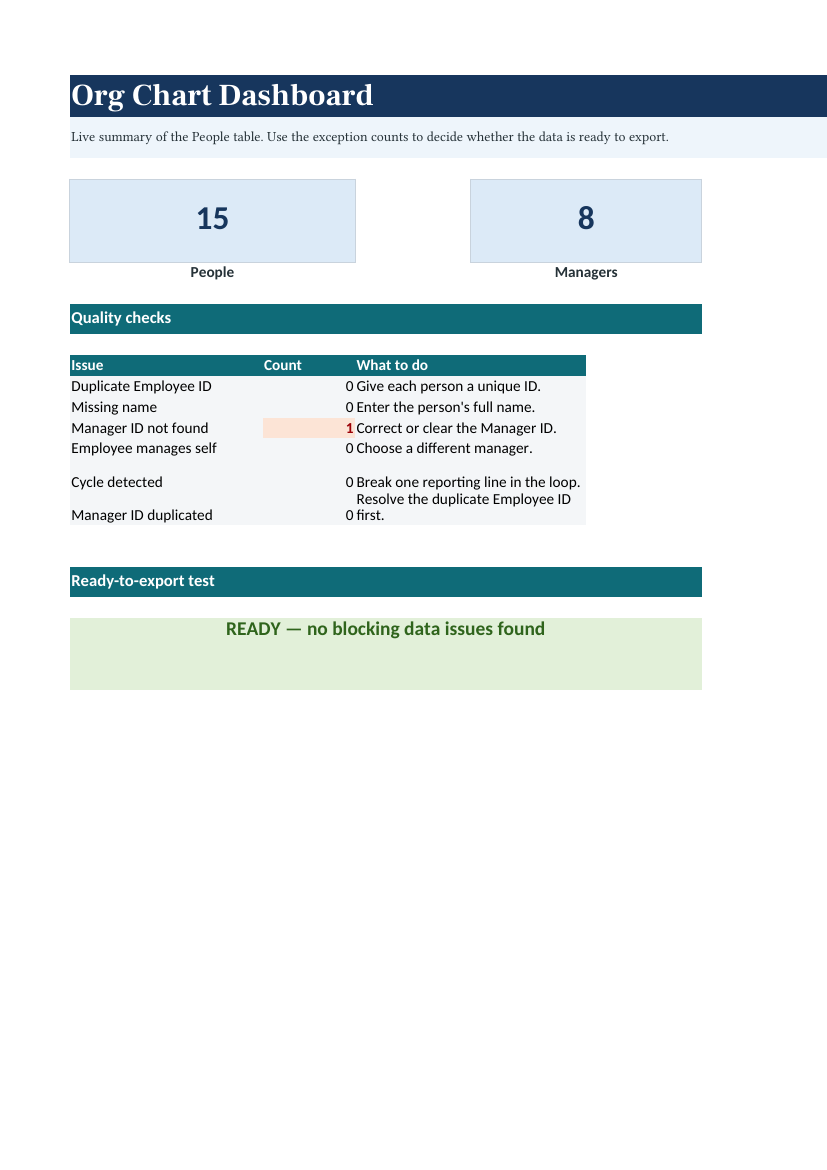
Dashboard
A summary of the organisation with useful hierarchy and data-quality information.
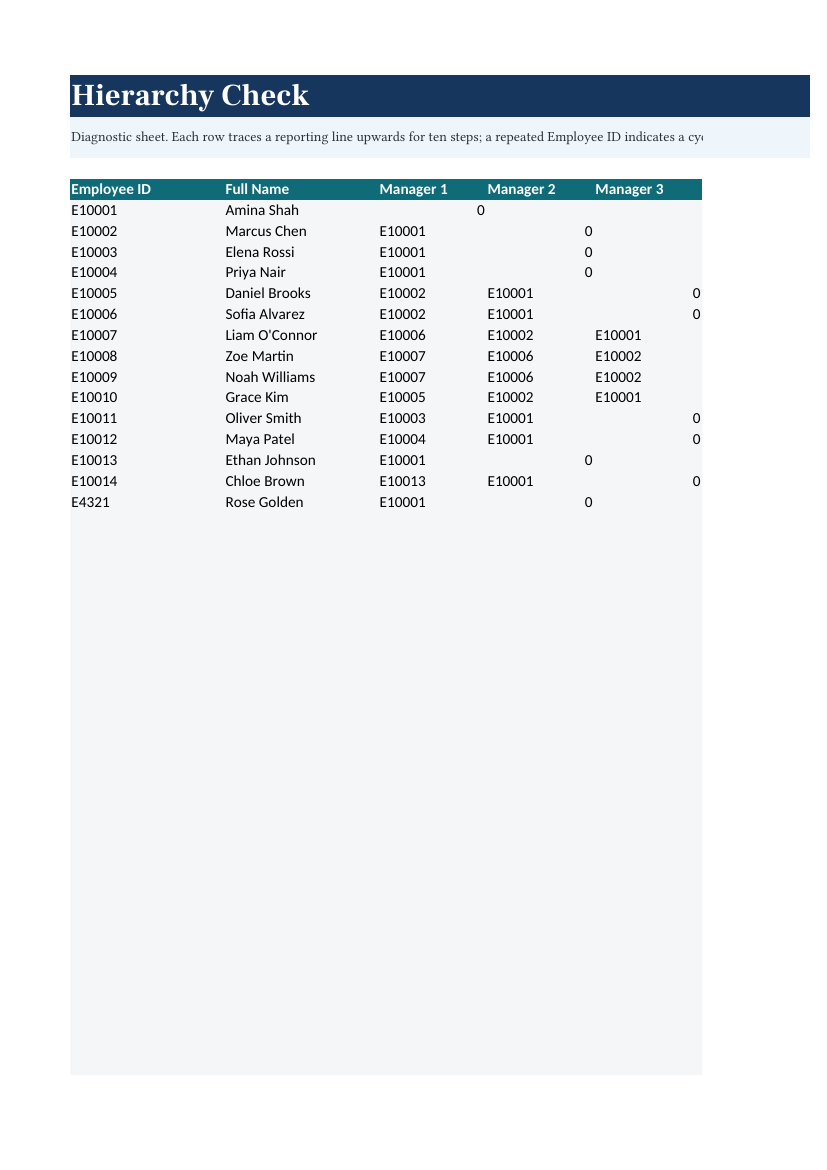
Hierarchy Check
Detect invalid or problematic reporting relationships, including hierarchy cycles.
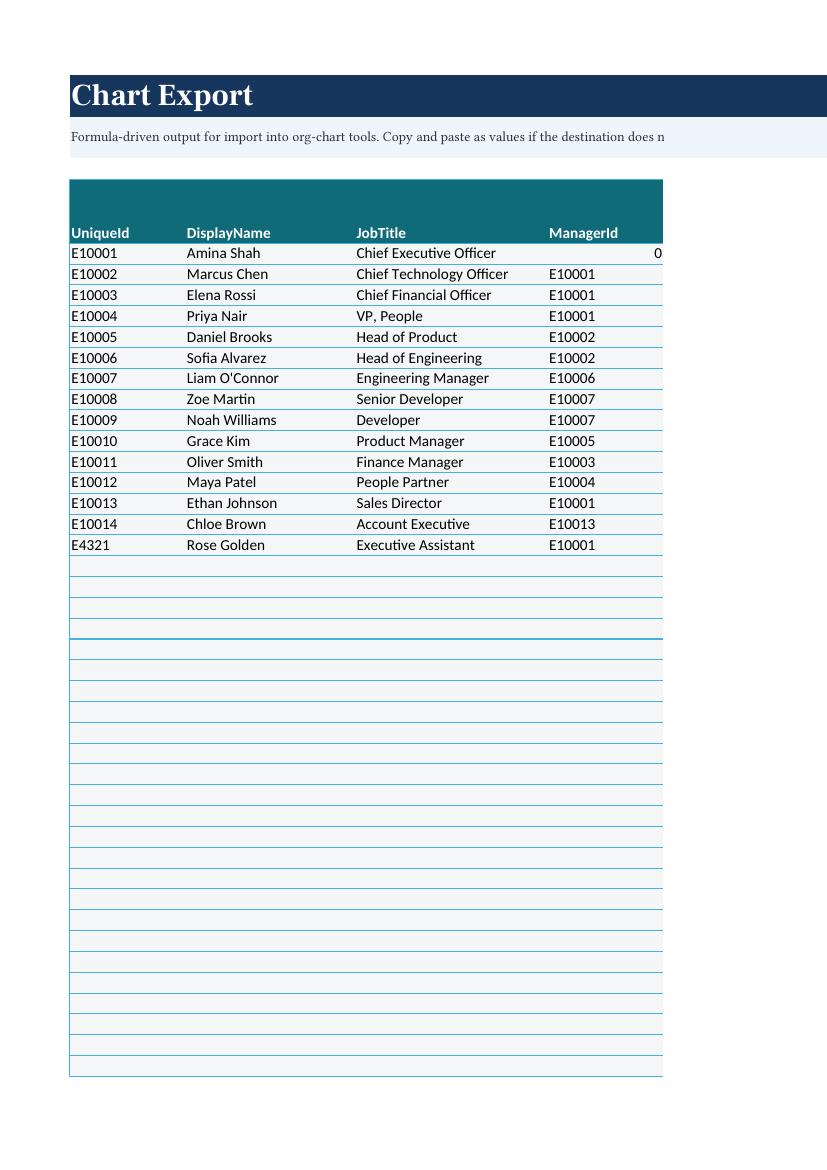
Chart Export
Create clean structured data for charting or importing into another system.
Lists
Maintain reusable values such as departments, locations, employment status and employee types.
Free · No signup required · No macros · Use it entirely in Excel
Use it entirely in Excel
The Org Chart Builder is a standalone Excel workbook. You do not need TeamOrgChart, OrgChart4XL or a TeamImprover account to use it.
Download it, enter your organisation data and keep using the workbook for as long as you like.
Want to turn the data into a visual org chart?
The workbook works perfectly well on its own. If you later want to turn the same employee data into an interactive or automatically laid-out organisation chart, it also works directly with our org chart products.

OrgChart4XL
Create automatically laid-out organisation charts from the workbook data within the Excel ecosystem.
Learn about OrgChart4XL
TeamOrgChart
Create advanced interactive organisation charts for Microsoft 365, Teams, SharePoint and the web.
Learn about TeamOrgChartFrequently asked questions
Is the Org Chart Builder really free?
Yes. It can be downloaded and used independently without purchasing TeamOrgChart or OrgChart4XL.
Do I need to create an account?
No. The download does not require an email address, registration or trial signup.
Does the workbook contain macros?
No. The workbook is macro-free.
Do I need TeamOrgChart to use the template?
No. TeamOrgChart is an optional way of turning the data into a more advanced organisation chart.
Can I use my existing employee data?
Yes. Copy in existing employee information, give each employee a unique ID and define reporting relationships with Manager IDs.
How are reporting relationships defined?
Each employee has an Employee ID and can reference their manager's Employee ID.
Can it detect problems in my hierarchy?
Yes. The workbook identifies common structural problems such as missing managers, duplicate IDs, self-reporting employees and reporting cycles.
Can I use the file with TeamOrgChart?
Yes. The workbook format is designed to work directly with TeamOrgChart.
Can I use the file with OrgChart4XL?
Yes. You can use the structured workbook data with OrgChart4XL.
Download the Free Org Chart Builder for Excel
Build your organisation hierarchy, check your reporting structure and prepare clean employee data using Excel.
Download Free Excel TemplateFree · No signup · No macros