How to Audit Your Microsoft Entra ID Employee Data with TeamOrgChart
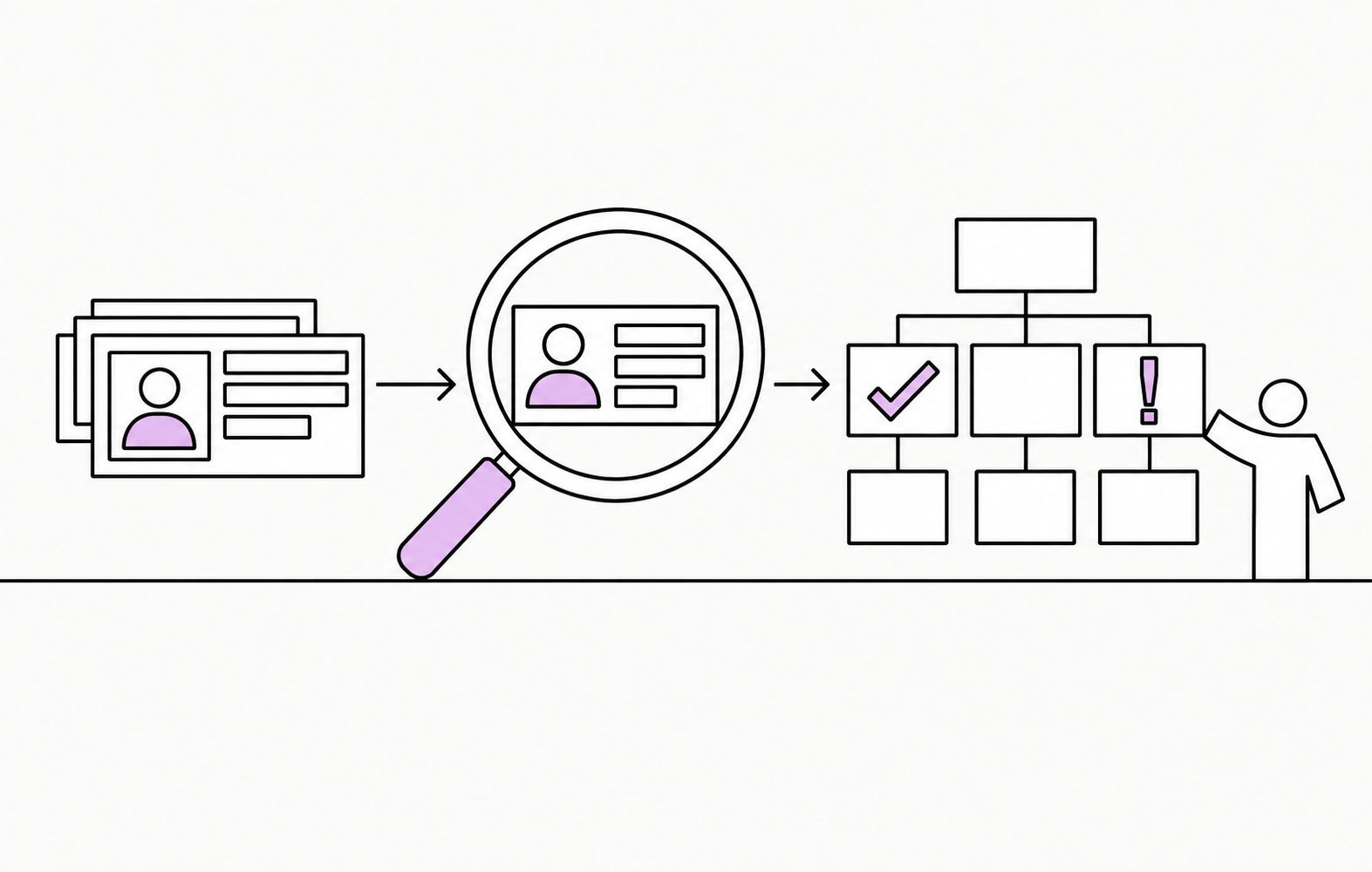
Employee data can look perfectly reasonable when viewed one record at a time in Microsoft Entra ID.
Once those records are turned into an organizational structure, however, data quality problems can become much easier to spot — and their impact becomes much clearer.
Common issues include:
- Employees with no manager assigned.
- Empty or missing data fields.
- Circular references, where reporting relationships loop back on themselves.
- Invalid email addresses.
- Duplicate accounts or identifiers.
- Service, test or disabled accounts appearing in the organizational structure.
TeamOrgChart’s Data Health functionality can audit the Entra ID data used to build your organization chart and help you identify many of these issues.
The default Data Health report checks for:
- Missing or empty values.
- Duplicate unique IDs.
- Missing managers.
- Circular references.
You can also customize the report by adding, modifying or removing checks to reflect your organization’s data requirements.
How to run a Data Health check
Open the chart connected to the Microsoft Entra ID data you want to audit. From the chart bar, open the Views menu and navigate to the Chart Health page.
Select Run Analysis to run the configured checks. Once the analysis is complete, review the results, including the chart data overview, chart configuration and any conditional rules that exclude people from the chart.
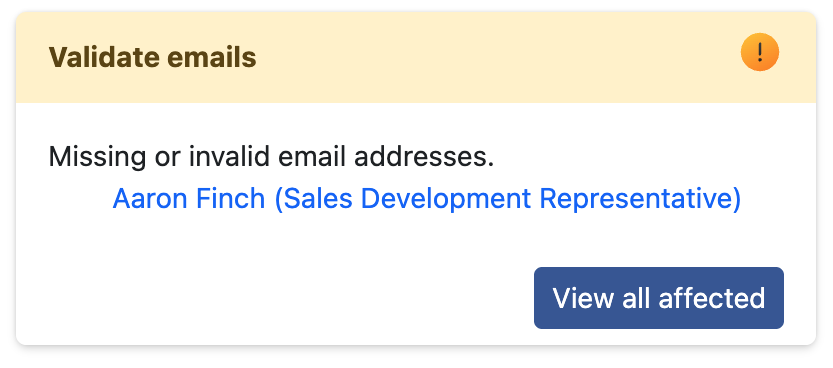
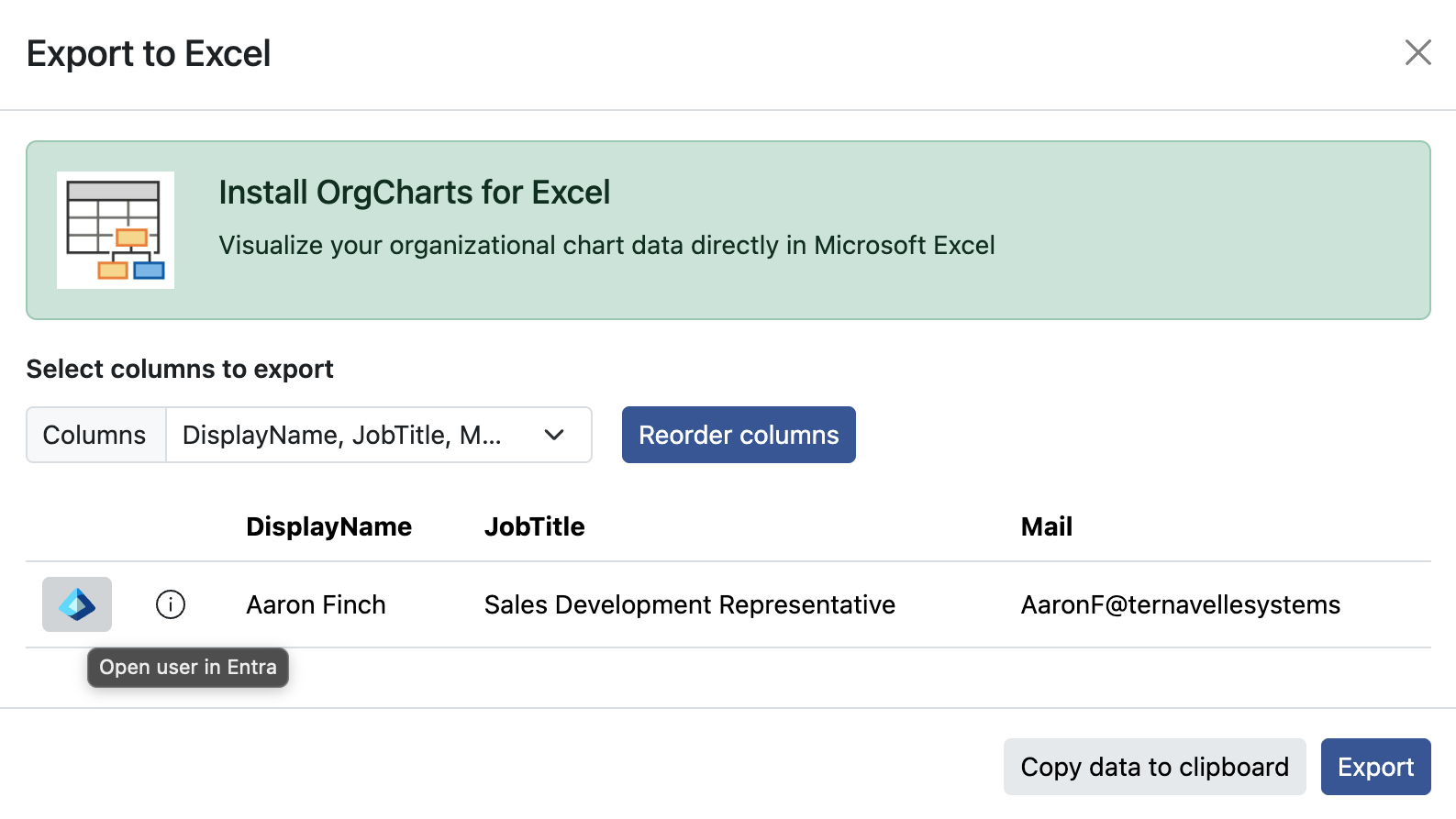
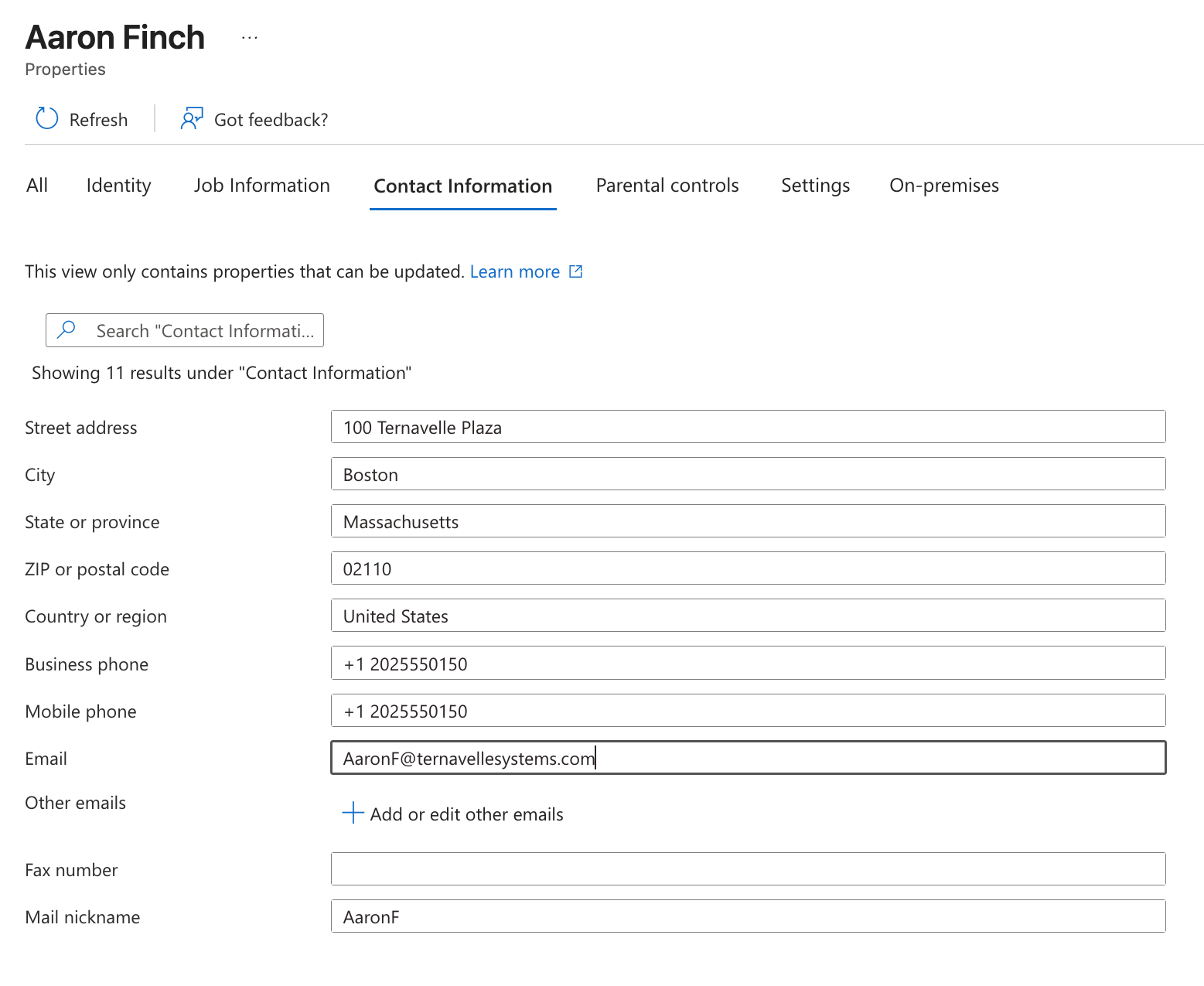
If a check identifies a problem, select View All Affected to see and export the complete list of affected people. For an Entra ID-based chart, you can also open a person’s profile in your tenant to investigate or correct the source data, provided you have the necessary permissions.
From Data Health issue to corrected Entra ID record
How to configure your own data check
Chart administrators can customize the Data Health report to focus on the employee information that matters most to their organization.
To create a check:
- Open the Chart Health page and select Edit Checks.
- Select Add New Check. You can also modify or remove an existing check.
- Enter a clear name that explains what the check is intended to find.
- Choose the type of check you want to run.
- If required, select the employee data column and value that the check should evaluate.
- Set the severity to Error, Warning or Information, depending on how urgently the result should be addressed.
- Select Save Changes, then exit Edit Mode.
- Select Run Analysis to include the new check in the report.
For example, you might create checks for fields your organization expects every employee record to contain or for values that indicate an account needs reviewing. Assigning an appropriate severity helps chart administrators distinguish critical structural problems from less urgent data-quality improvements.
When should you audit your data?
It is a good idea to audit your employee data whenever the organizational structure or underlying information may have changed significantly.
Useful times to run a Data Health check include:
- When first creating an organization chart.
- Before publishing a chart company-wide.
- After a restructure.
- Following a large change to your employee data.
- Periodically as part of your employee data governance process.
Regular checks can help you identify issues before they become embedded in your organization chart or begin affecting navigation, search, reporting lines, exports or how employees understand the structure of the business.
Can TeamOrgChart change my Entra ID data?
TeamOrgChart only reads the Entra ID data that has been approved for use through Microsoft Graph.
For charts connected to Entra ID, TeamOrgChart does not copy or store the underlying employee data. It stores only the chart metadata needed to configure your organization chart and any additional information you add through TeamOrgChart.
TeamOrgChart cannot edit or delete your Entra ID data. Corrections must be made in the original data source, helping ensure that your employee information remains controlled in Microsoft Entra ID.