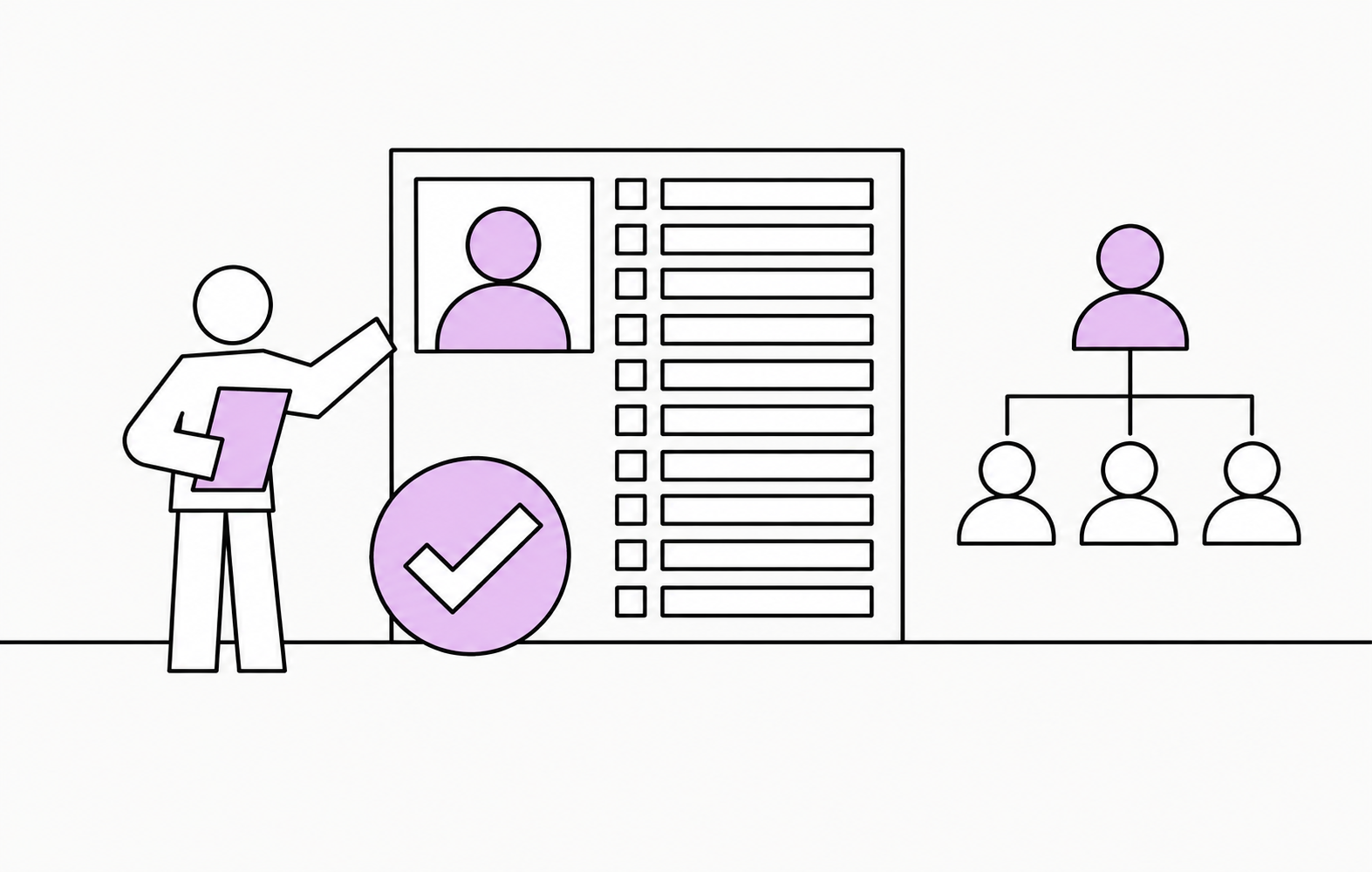
10 Microsoft Entra ID Fields You Need to Keep Up to Date
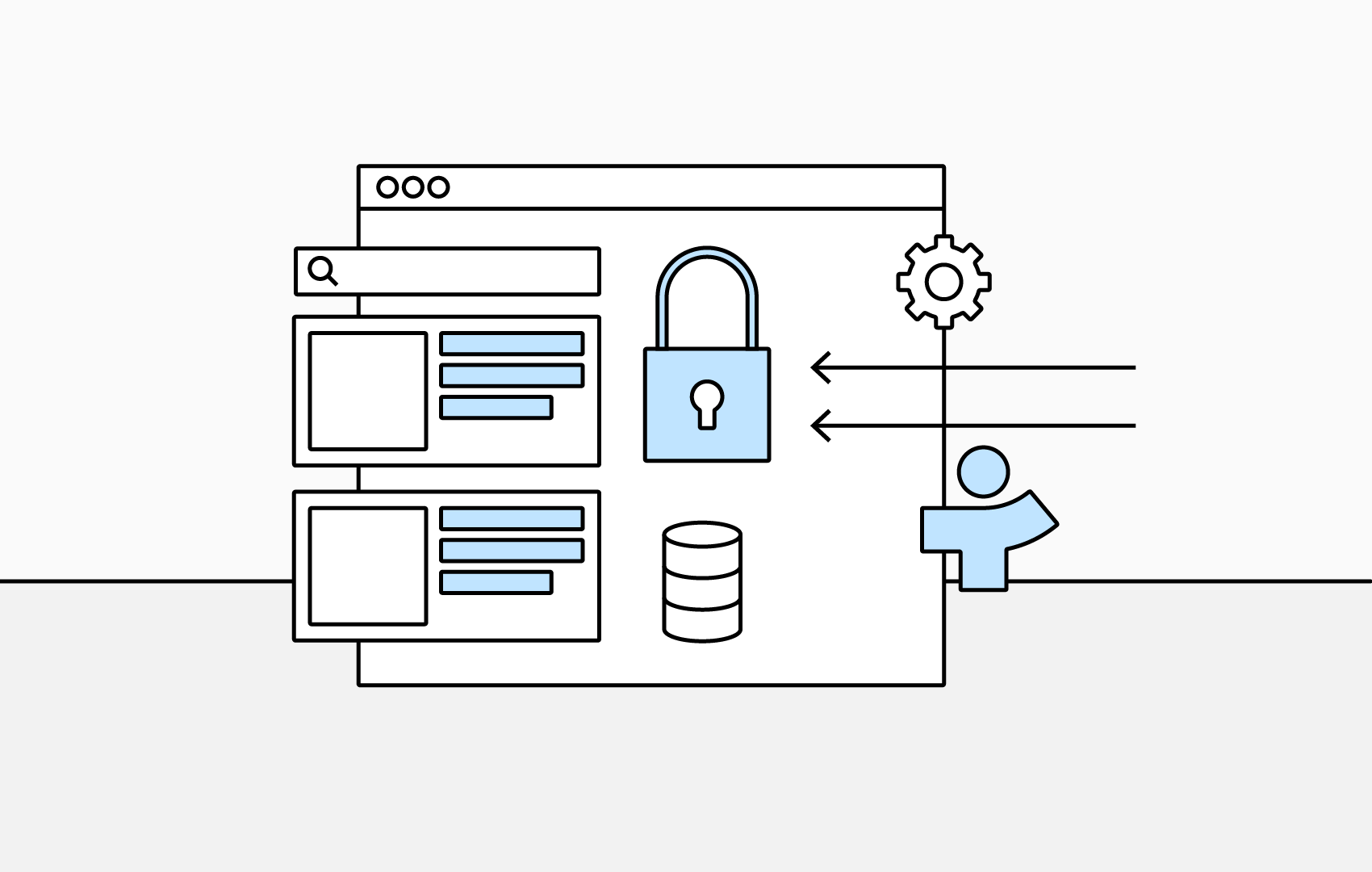
Microsoft Entra ID is not just an account directory. Employee information held there can appear throughout Microsoft 365.
Inaccurate data therefore is not confined to the Entra admin center. An incorrect department, job title or manager can affect the wider digital employee experience.
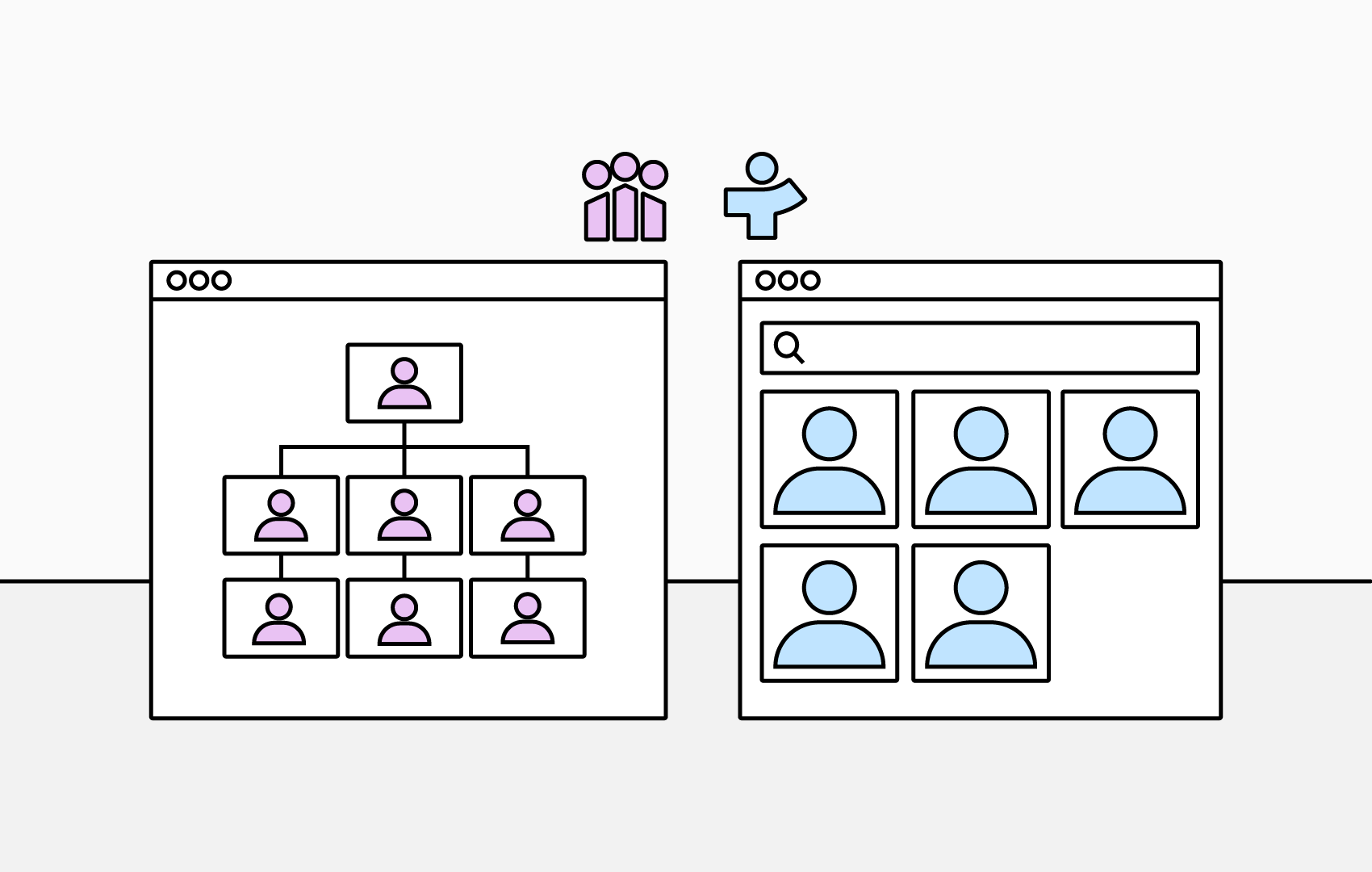
Keeping employee information clean and up to date also improves the tools that use Entra ID employee data, including TeamOrgChart and TeamDirectory.
1. Display Name
The display name is used across Microsoft 365 applications and is typically the name colleagues will see.
Check for spelling errors, preferred names and consistent naming conventions to make sure employees are represented correctly.
2. Manager
The manager field is one of the most important fields for building an organizational hierarchy because it determines reporting relationships.
Missing or incorrect manager relationships can result in broken or incomplete organization structures in TeamOrgChart and in Microsoft’s own Org Explorer.
3. Job Title
An accurate job title helps employees understand someone’s role and is also important for search and employee profiles.
Avoid unnecessary inconsistencies such as:
- Sales Manager.
- Sales Mgr.
- Manager – Sales.
Where possible, agree on consistent job-title conventions across the organization.
4. Department
Department information is essential for understanding how your organization is structured.
Review possible variations such as:
- HR.
- Human Resources.
- People Team.
Decide whether these genuinely represent different departments or are simply inconsistent names for the same part of the organization.
5. Company Name
The company name field is particularly useful for organizations with multiple companies, subsidiaries or operating entities.
It helps distinguish employees across a group of companies and can also be useful where guest users or external accounts exist within the tenant.
6. Office Location
Office location is increasingly valuable in hybrid and distributed organizations.
Keeping this field accurate helps colleagues understand where somebody is normally based and can make it easier to find employees by office or workplace location.
7. City
City information can be useful in larger organizations with multiple offices or locations.
Consistent city data can improve geographic categorization, filtering and employee search.
8. Phone Numbers
Keeping business and mobile phone numbers up to date makes Microsoft 365 profiles more useful as an employee directory.
Accurate contact information also makes it quicker and easier for colleagues to get in touch through tools such as TeamOrgChart and TeamDirectory.
9. Employee Type
Employee type can be used to distinguish different parts of your workforce, such as:
- Permanent employees.
- Temporary employees.
- Contractors.
- Other workforce classifications.
This field can help organizations understand the composition of their workforce and create more useful employee views and analysis.
Agree on a controlled set of values rather than allowing terminology to proliferate over time.
10. Employee Hire Date
Employee hire date can be useful for onboarding, tenure-related processes and employee retention analysis.
It can also support reminders or recognition around employment anniversaries.
Don’t forget email and User Principal Name
Email address and User Principal Name are also important identity and contact fields.
The User Principal Name (UPN) is a unique login ID used for authentication and sign-in, while the email address is used for messaging and collaboration.
These values do not necessarily have to match, and a user may have multiple email addresses or aliases. Changing an email address also does not automatically mean the user’s UPN will change.
Keeping both fields accurate helps avoid confusion around identity, sign-in and communication.
How TeamOrgChart can transform this data
Accurate employee data is more useful when people can easily understand and explore it.
TeamOrgChart turns the employee information already held in Microsoft Entra ID into an interactive organization chart. Employees can search for colleagues, view reporting relationships, understand how teams and departments fit together, and access useful profile information in one place.
By keeping your Entra ID employee data accurate, TeamOrgChart can help turn that information into a practical resource employees can use every day.